

Haircuts
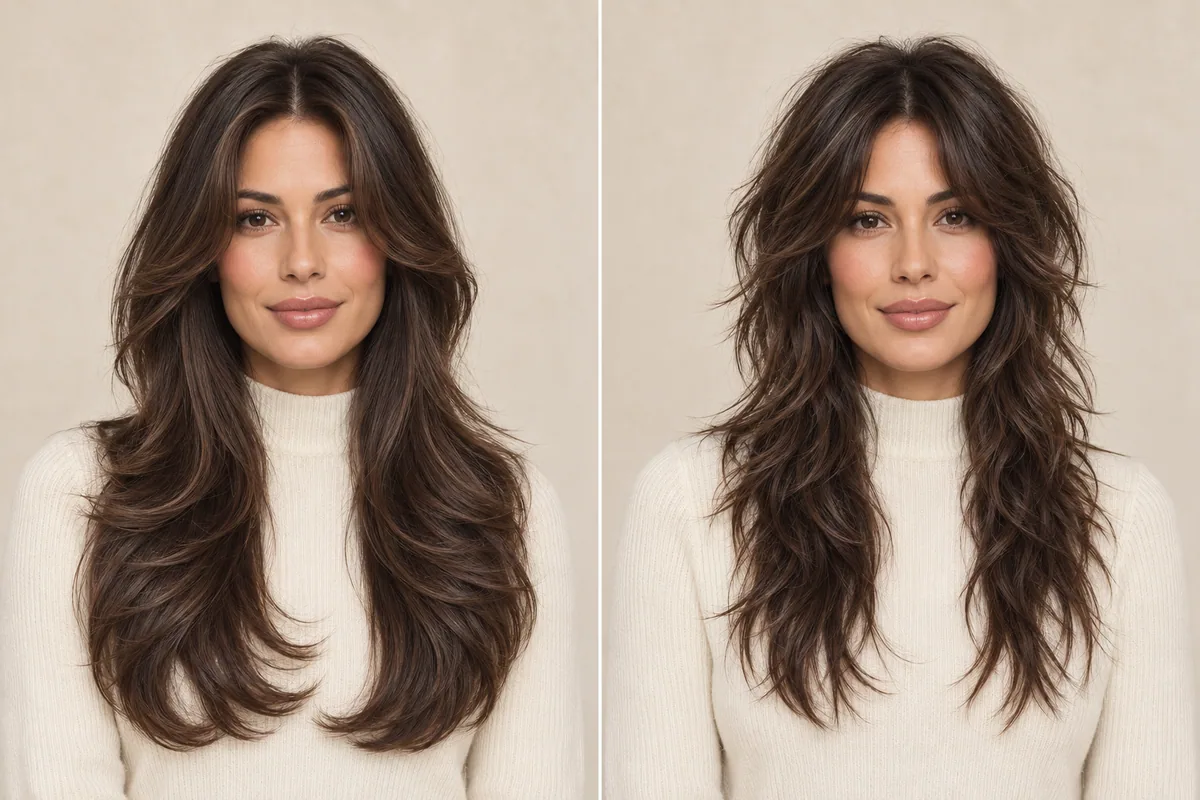
Butterfly cut vs. wolf cut: compare the layers before choosing
Compare a butterfly cut with a wolf cut by crown layers, front shape and ends. Build a useful photo shortlist before choosing your next haircut.
The “what if I tried…” app for your hair. Explore 94 hairstyles and 21 color options on your own photo. Find a direction you love before you make the change.
Free to download · In-app purchases · iOS 17+


A little curiosity.
A whole new look.
Style inspiration from our App Store listing.
Hair Magic: Hairstyle Try On is an iPhone app for exploring haircut and hair-color ideas on your own photo. Choose a look, adjust the details available for that style, then tap Generate to create a cloud-processed AI preview.
Compare it with your original, keep a favorite and create a Salon Card with the selected style, color and practical notes. A preview helps you plan a conversation with your stylist; it cannot guarantee a salon result.
See the photo-to-preview workflowProduct source: the Hair Magic App Store listing, checked 1 November 2026. Get app support.
Swipe to explore. Select any screenshot to see it in detail. Images show the app and style inspiration from the App Store listing.
Take a photo or choose one from Photos. A clear, evenly lit picture gives you a useful starting point for comparing a new hairstyle with your current look.
Browse by style, length, texture or upkeep. Pick a color, or keep your own. Fine-tune supported details such as parting, bangs, layers and volume, then review your choices.
Tap Generate to create your cloud-processed AI preview. Compare it with your original, save a result you like, and create a Salon Card to bring your idea to life with a stylist.
AI generation requires an internet connection. Preview access depends on your in-app entitlement. Detail controls vary by hairstyle. Previews are visual estimates, not guaranteed salon outcomes.
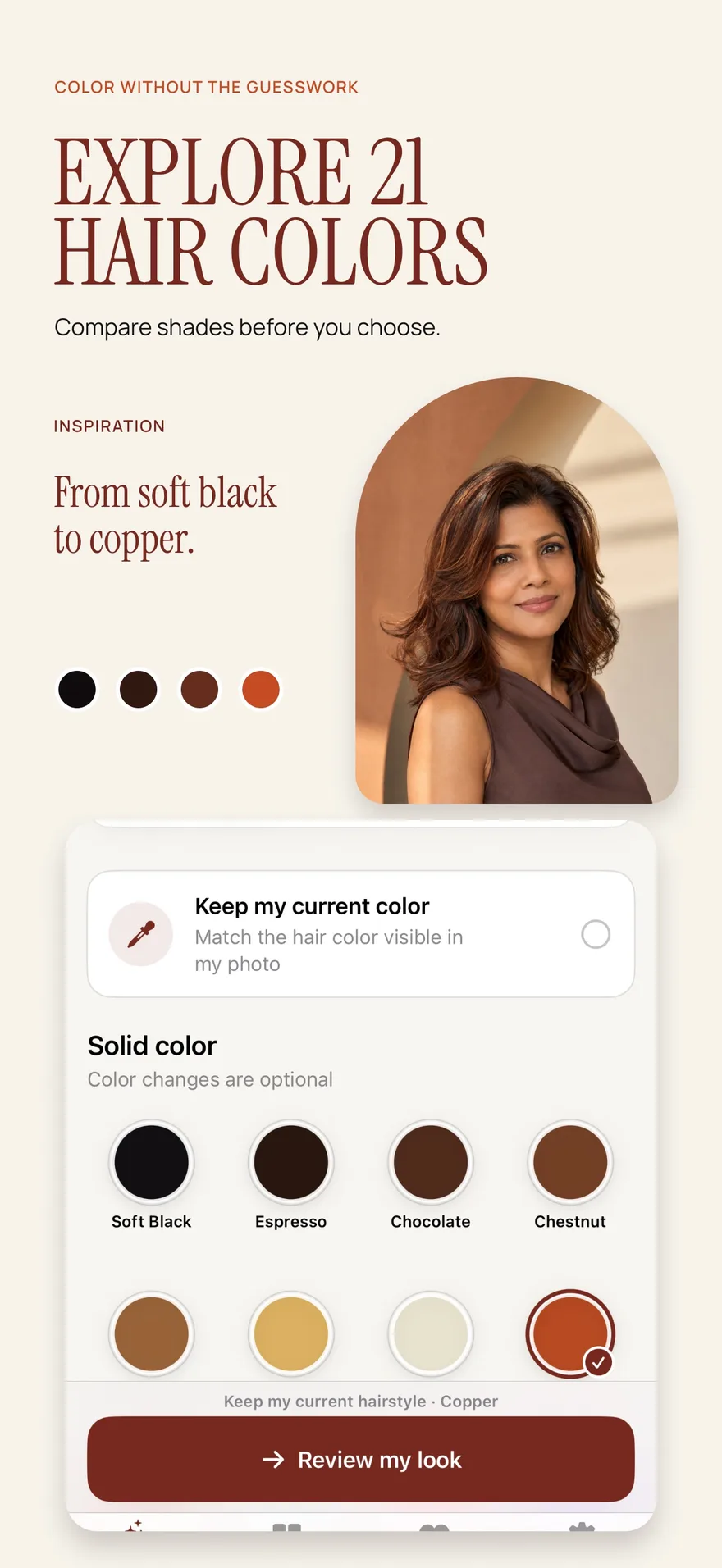
A big chop, a softer fringe, a hint of copper. Explore the change you actually have in mind, then keep the details that feel right for you.
Try a bangs filter on your photo to explore a fringe before cutting. Compare forehead coverage, parting, daily styling, and your Hair Magic preview.
HaircutsUse a bob cut filter to explore length, shape, and parting on your own photo. Build a practical bob haircut shortlist with Hair Magic before your salon visit.
ColorUse a hair color changer to compare shades on your own photo. Learn a clear Hair Magic workflow and what an AI color preview can help you decide.
HaircutsPreview a pixie haircut on your photo with Hair Magic. Compare the outline, fringe, visible neckline, and routine before deciding on a short cut.
TexturePreview curly hairstyle ideas on your photo with Hair Magic. Compare length, silhouette, and framing while keeping real curl behavior in perspective.
HaircutsFind a hairstyle direction through your preferences, texture, and routine. Use Hair Magic previews to build a shortlist and prepare useful salon questions.
Compare a butterfly cut with a wolf cut by crown layers, front shape and ends. Build a useful photo shortlist before choosing your next haircut.
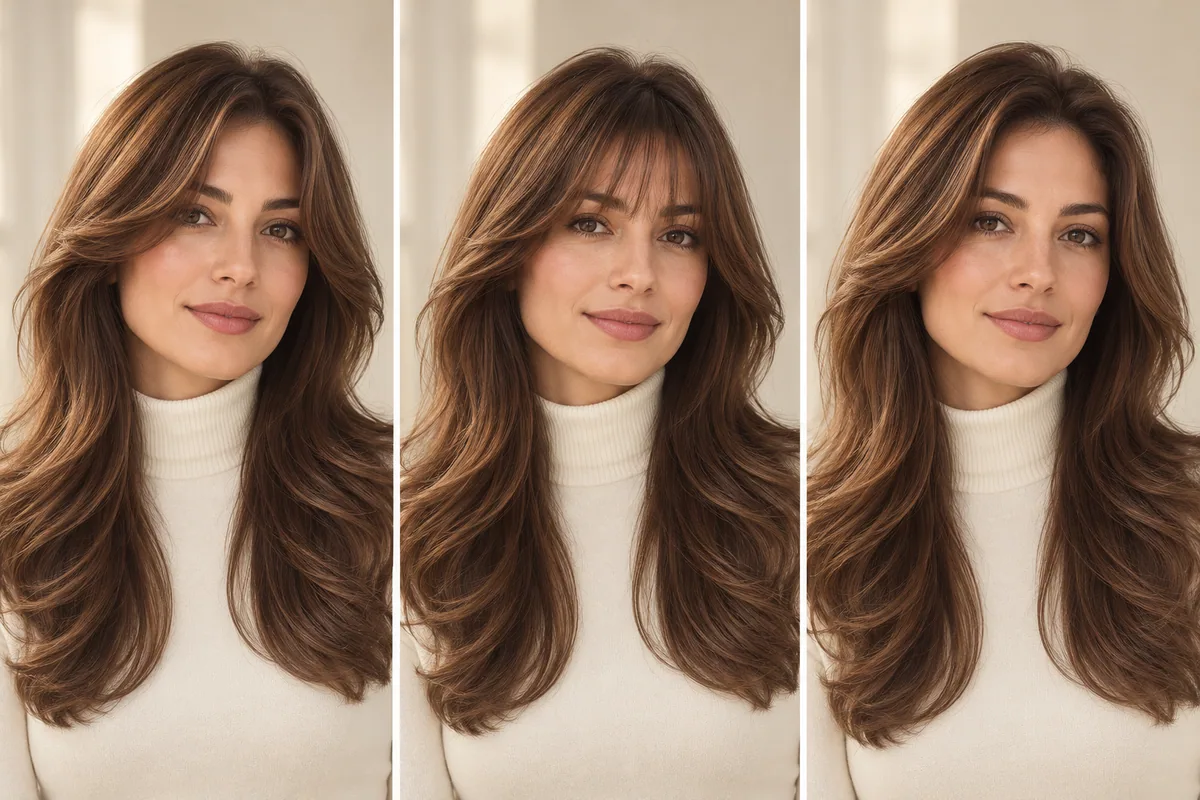
Plan a butterfly haircut with bangs by comparing curtain fringe, wispy pieces and an open front. Preview a direction and prepare a clearer salon request.
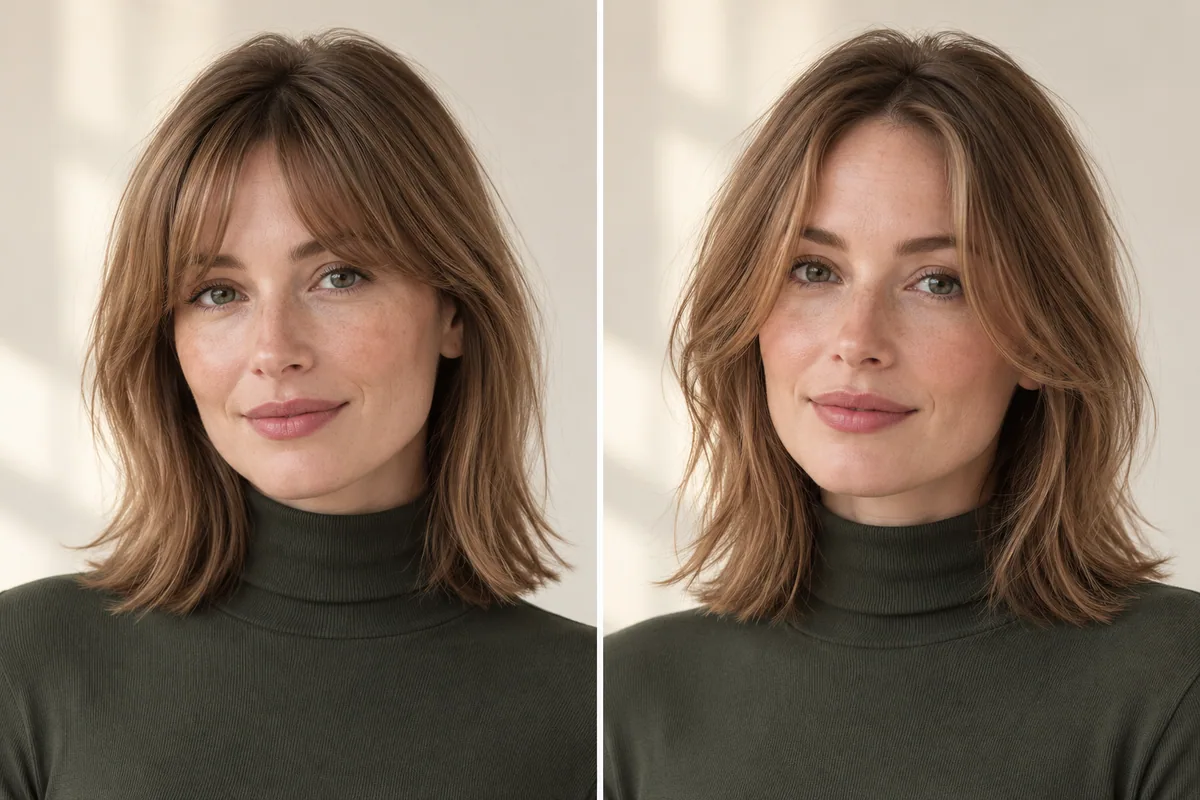
Explore curtain bangs for fine hair by comparing coverage, shortest length and the side outline. Preview the shape without mistaking AI fullness for density.
From your first photo to your final shortlist, here’s what to expect from Hair Magic.
Take a photo or select one from Photos in Hair Magic. Browse the style catalog, choose your details and color, then tap Generate to create an AI preview. You can compare it with the original before deciding which direction to explore.
Learn moreHair Magic is free to download with in-app purchases. Styles and colors are available to everyone. Premium includes unlimited AI previews while your subscription is active. Check the app for current preview access and subscription terms.
Learn moreYes. Hair Magic includes bangs in its hairstyle catalog, and some styles offer adjustable bangs details. Start with your current color so you can focus on how a fringe changes the shape around your face. Available controls vary by style.
Learn moreYes. Keep your current hairstyle for a color-only preview. Choose from 21 color options, including solid shades and dimensional choices such as balayage, highlights, ombré and gray blending.
Learn moreThe catalog includes short cuts such as bobs and pixies, as well as curly styles. Filter by length and texture to explore a direction. An AI image cannot predict your exact hair density, curl behavior or final salon result.
Learn moreA preview is a visual estimate for planning and inspiration. Use it to compare overall shape, length and color. Your hair texture, starting length, styling routine and your stylist’s technique all affect the real result.
Learn moreYour photo is uploaded after you choose a look and tap Generate. AI previews use cloud processing and require internet. Private Session prevents new local history and automatic Photos saving; it does not remove the need for cloud processing.
Learn moreYou can favorite styles, optionally keep selected try-ons in the app, save a completed result to Photos, or share it. A Salon Card brings together your chosen style, color and practical notes for a clearer conversation at the salon.
Learn more Hair Magic
The bob you’ve been saving. The color you keep coming back to. See a new direction on your own photo, then take your favorite idea to the salon.
Get Hair Magic on the App StoreFor iPhone · iOS 17 or later
Free to download. In-app purchases. Premium includes unlimited AI previews while subscribed.